



TerraLab documentation
TerraLab makes QGIS plugins that bring AI into your GIS projects, an MCP server and REST API that give AI agents and code geodata for any place, and free GIS tools in the browser. One account covers the plugins and the API.
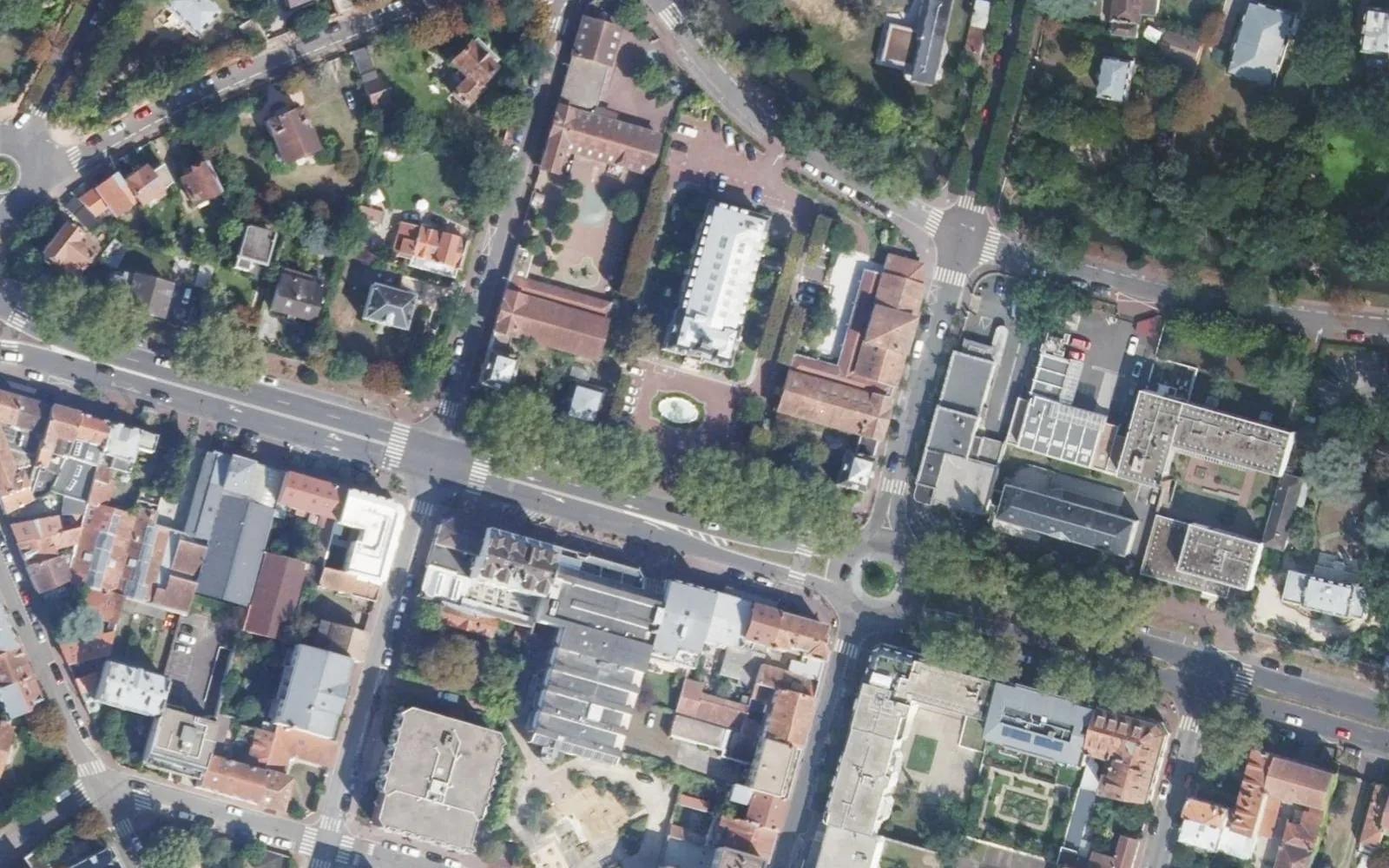
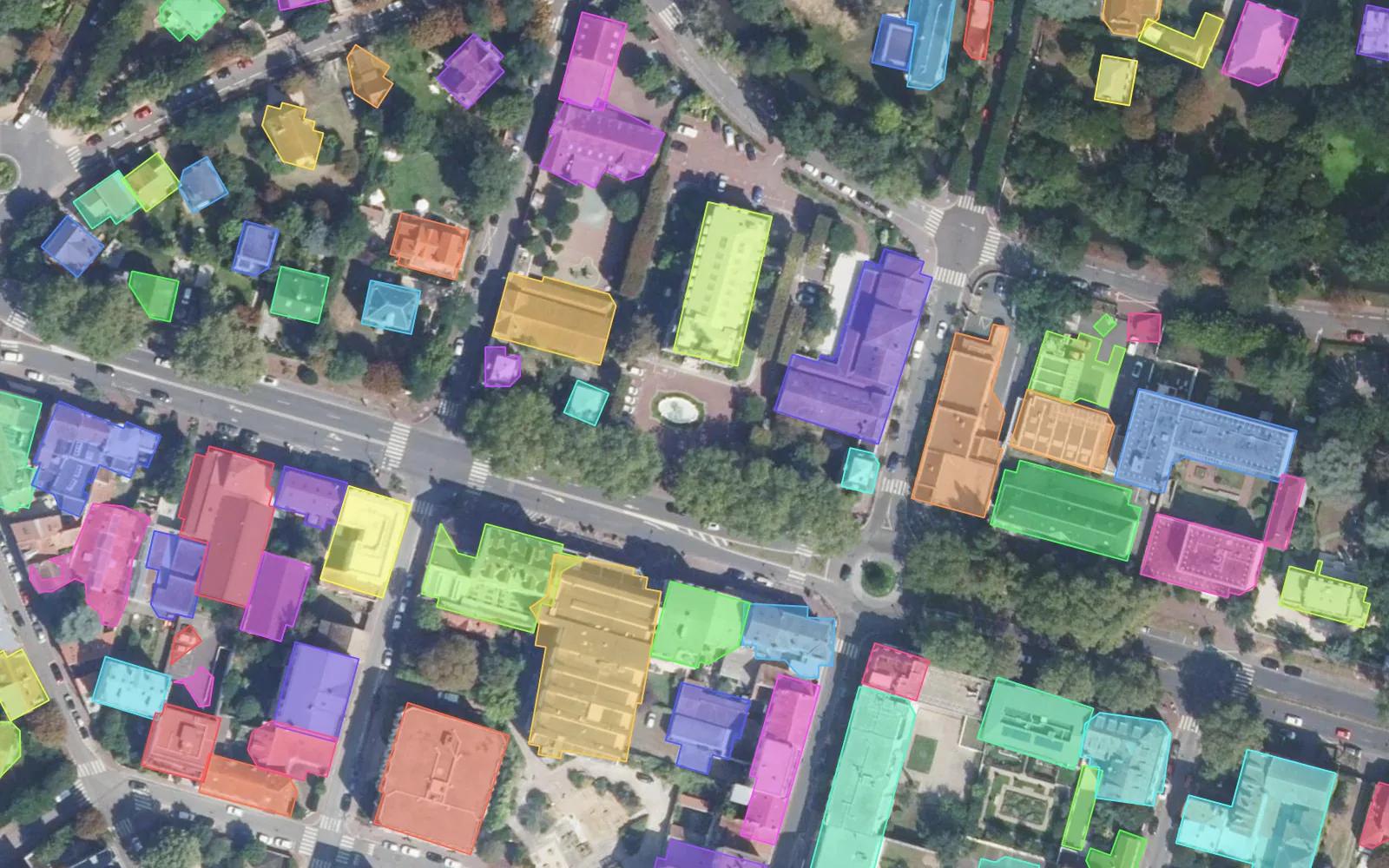

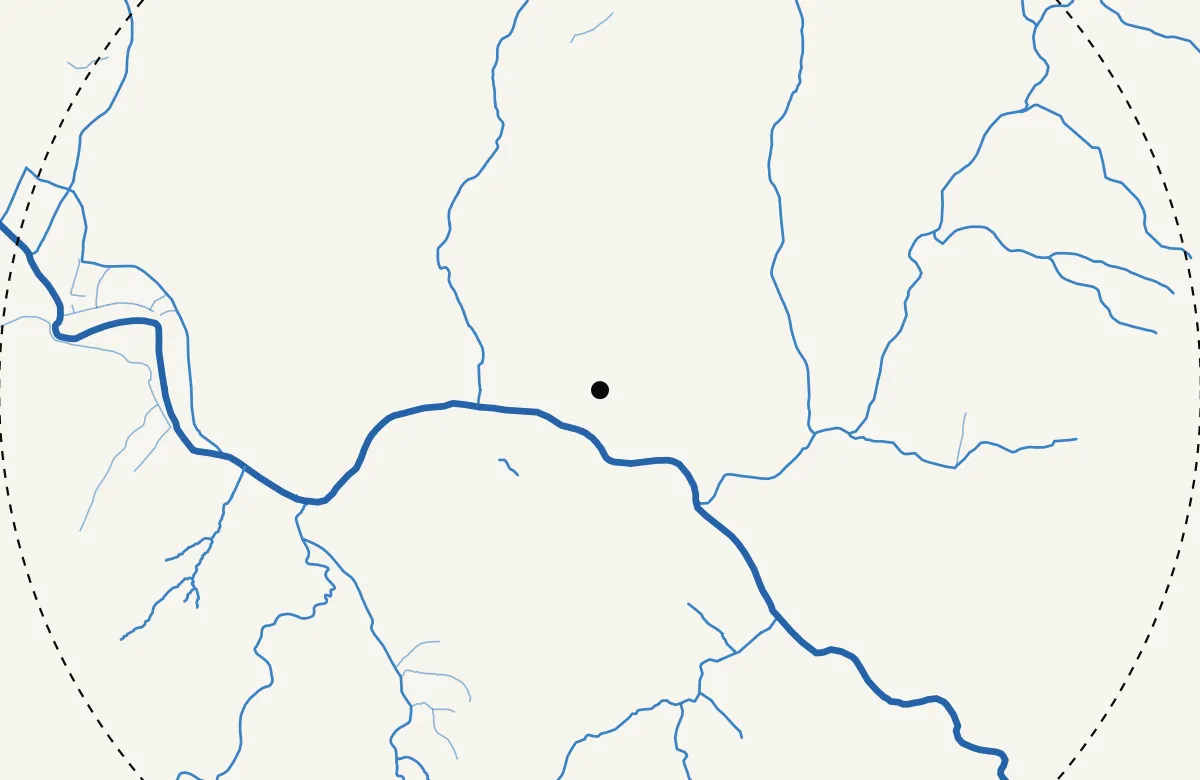
QGIS plugins
AI inside QGIS, on your own layers. The AI runs on TerraLab servers: no GPU, no Python setup.
- Install and sign in
The plugin manager, the QGIS version each plugin needs, the browser sign-in. - AI Agent
A GIS task done in your project from one sentence. - AI Segmentation
Objects in imagery turned into polygons, from a click or a word. - AI Edit
An aerial image changed from a plain-language instruction. - Account, plans and billing
Free plans, Pro, invoices, cancellation and your data. - Troubleshooting
Each plugin message and its fix.
MCP server and API
41 geodata tools for Claude, ChatGPT, Cursor and any agent, or for your code over HTTPS. Every result names its sources and licences.
- Quickstart
A first call in under five minutes. - Connect an agent
The command or link for Claude, ChatGPT, Claude Code, Codex, Cursor and VS Code. - Authentication
API keys for code, OAuth sign-in for agents. - MCP tools
Every tool with its parameters and response, also callable over HTTP.
Free GIS tools
- Free GIS web tools
Converters, viewers, coordinates, elevation, isochrones and more, in the browser with no account.
Help
- Pricing and free calls
100 calls included every month, then pay per call. - Errors and rate limits
Every error code and what to do. - Data sources and licences
Where the data comes from. - Support
Who answers and what to send.
For AI agents
Every page is also served as markdown: add .md to its URL, or send Accept: text/markdown. The index of all pages is /docs/llms.txt, and every page in one file is /docs/llms-full.txt.
Was this page helpful?
Updated Nov 23, 2026